Productivity · News
Your Agent Has Dependencies: Review Its Prompt Updates Too
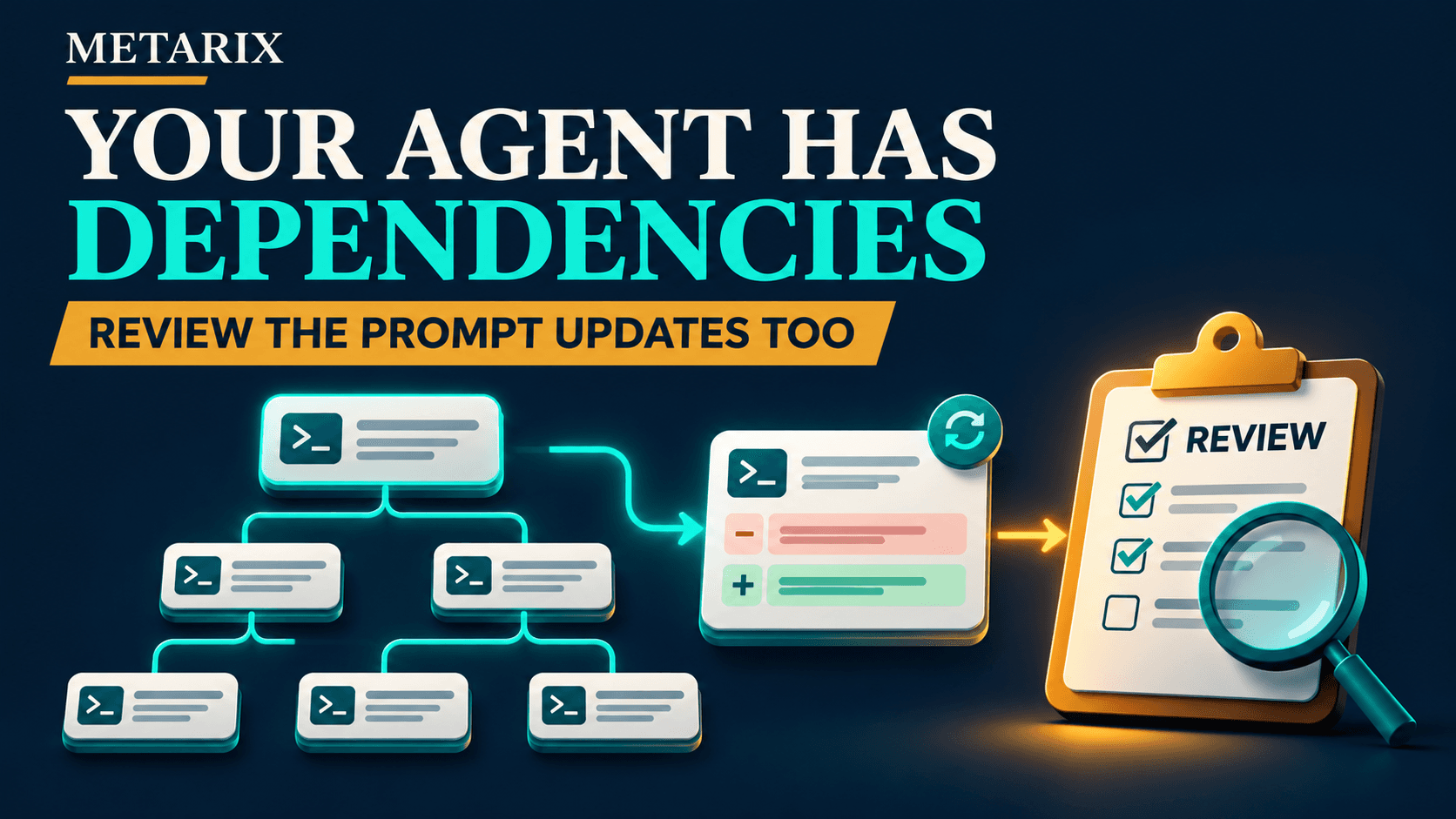
Dependabot now proposes APM version updates. Review agent instructions and skills like executable behavior; this support is not the same as security-update scanning.
Metarix Editorial · Nov 5, 2026 · 4 min read
Documentation-based research
On this page
What changed on November 3
GitHub announced Dependabot version-update support for Agent Package Manager, or APM. It covers supported git dependencies declared in apm.yml and regenerates apm.lock.yaml when that lockfile is present. GitHub explicitly says the support is for version updates, not security updates.
The announcement describes general availability on github.com for all GitHub plans and availability in GitHub Enterprise Server 3.24. Check current server-release availability before applying the instructions to a self-hosted enterprise instance.
Scroll the table horizontally on smaller screens.
| Area | Scope |
|---|---|
| Dependency manifest | Supported git dependencies in apm.yml |
| Lockfile | apm.lock.yaml regenerated when present |
| Update type | Version updates; not security updates |
| github.com | All GitHub plans |
| Enterprise Server | Announced for version 3.24; check current availability |
Why a prompt update deserves a real review
Agent dependencies may contain skills, prompts or instructions that change which files an agent reads, how it interprets a request or what tools it tries to use. A text diff can therefore change behavior even when it contains no executable script.
Imagine a task-specific instruction changing from “summarize the selected files” to “collect every configuration file before summarizing.” The new text may broaden access well beyond the original task. Dependabot proposing that update does not establish that the change is appropriate for your project. This example is hypothetical, not an allegation about an APM package.
Configuration: the important fields
GitHub’s setup instruction is to add an apm entry to .github/dependabot.yml, select the directory containing apm.yml and choose an update schedule. A root-directory example in YAML-compatible JSON flow syntax is shown below; adapt it to your repository and check the linked supported-dependencies documentation.
{ "version": 2, "updates": [{ "package-ecosystem": "apm", "directory": "/", "schedule": { "interval": "weekly" } }] }
Weekly is an illustrative team choice, not a required setting. Existing Dependabot entries should be preserved. This article does not enable a schedule in your repository.
A review checklist for the update PR
- Confirm the dependency owner, source repository and intended version change. Read the complete instruction/skill diff, not only the release summary.
- Inspect requested tools, network destinations, file scope and any new install or execution steps. Flag behavior that expands beyond the intended task.
- Check the manifest and generated lockfile together. Understand which dependencies are supported rather than assuming every referenced resource was updated.
- Run representative tasks on a restricted test branch or workspace. Include one case that should be refused because it is out of scope.
- Keep an independent code review and the appropriate approval requirements before merging. Choose auto-merge policy deliberately; an update bot is not an agent-security audit.
Test the negative behavior as well as the happy path
A useful test asks whether the agent can still complete its expected task and whether the updated instructions cause new unwanted actions. Use non-sensitive fixture files and fake credentials. Capture which tools were called and which resources changed.
Compare the previous and proposed dependency versions with the same task fixtures. Record any setup failures rather than excluding them. These are suggested tests, not results we have measured against an APM package. A single successful example cannot establish that an instruction bundle is safe.
What this feature does not prove
Version updates and security updates solve different problems. A proposed newer version may contain improvements, but the announcement does not claim this APM support discovers every malicious instruction or known vulnerability. Keep your normal dependency, credential and access controls.
If the updated behavior is wrong, preserve a way to return to the previously reviewed manifest and lockfile, and retest that state. If any real credential was exposed during evaluation, rollback alone is not enough: revoke or rotate the credential at its issuer.
Sources and related reading
Official documentation checked 5 November 2026. Documentation-based research; illustrative scenarios are labeled. Product availability and pricing can change.
GitHub: Dependabot APM support and configuration references
Frequently asked questions
- Does APM support include Dependabot security updates?
- The November 3 announcement explicitly says it supports version updates, not security updates.
- Should agent prompt updates be automatically merged?
- Decide based on the dependency and your controls. Review behavior changes and test restricted workflows; a bot-created PR is not proof that an update is safe.