Productivity · Guide
Stop Starting Over: Build a Reusable AI Brief
Keep your project context outside the chat. A reusable brief and two handoff prompts help you resume work without copying an entire conversation.
Metarix Editorial · Nov 6, 2026 · 8 min read
Documentation-based research
On this page
A long AI conversation can become the only place where a project makes sense. The assistant knows the audience, the decisions you rejected, the tone you prefer and the next task. Then you open a new chat, change tools or lose access to the original thread, and find yourself explaining everything again.
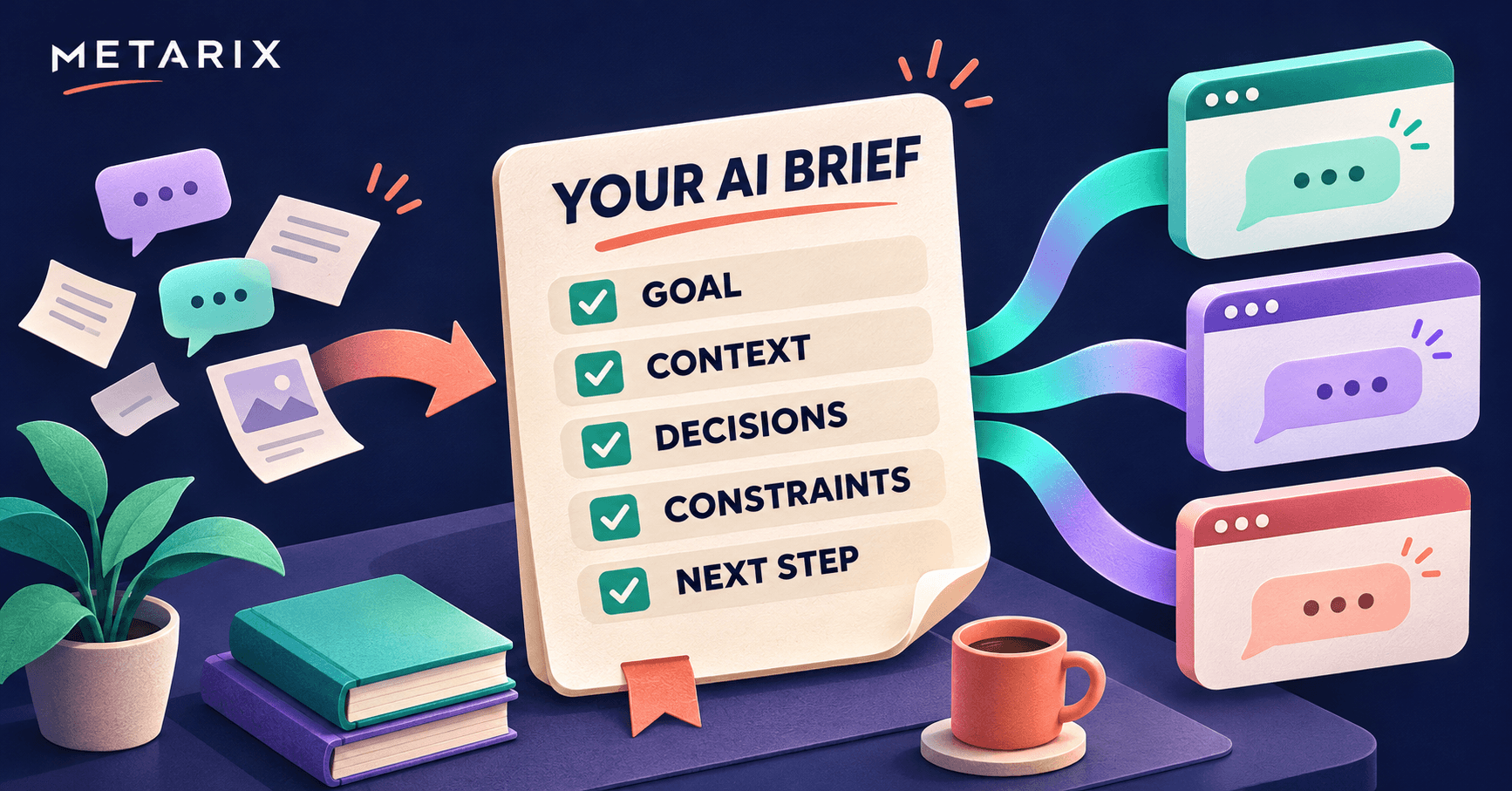
Keep a short project brief outside the conversation. Update it when something important changes, then paste it into a new chat when you need to resume. It gives the next assistant a useful starting point without requiring you to copy an entire transcript.
This is a continuity habit, not a recovery tool. A brief cannot retrieve an inaccessible conversation, restore attachments or transfer an assistant's permissions. It preserves the information you deliberately put in it.
What should travel with you?
Three kinds of information often get mixed together in a long chat:
- Working preferences: your preferred language, tone, level of detail and output format.
- Project context: the goal, audience, decisions, constraints and reference material for this particular piece of work.
- Current state: what is finished, what is unresolved and the next action.
Separate them. Your preference for plain English may remain useful for months. A launch date or an unfinished task can become stale tomorrow. Combining both into an undated wall of text makes it harder to spot what needs updating.
Start with one plain-text document in a place you control: a notes app, a local file or an approved shared workspace. There is no special file format to learn and no additional AI subscription required to maintain the document itself.
Copy this reusable brief
The template below is a practical starting point, not a required prompting formula. Keep only the fields your task needs.
PROJECT:
LAST UPDATED: [date and timezone where relevant]
GOAL: What are we trying to produce or decide?
AUDIENCE: Who is this for, and what do they already know?
CURRENT STATE: What is finished? What remains unfinished?
CONFIRMED DECISIONS: What have I actually approved?
CONSTRAINTS: Budget, deadline, language, format and boundaries.
SOURCES AND FILES: Relevant links, filenames and short descriptions.
OPEN QUESTIONS: What is uncertain or missing?
NEXT ACTION: The specific thing to do next.
WORKING PREFERENCES: How should the assistant communicate?
Prefer concrete statements. “Help with marketing” leaves the assistant guessing. “Draft a 150-word product announcement for existing customers, using the approved feature list below” supplies a task, audience, format and source of truth.
Include a short reason beside a decision when it matters. “Use email only because customers have not opted into SMS” is more useful than “Use email.” The reason helps the next assistant avoid reopening a settled question.
Do not treat the brief as an archive of everything that happened. Include the context needed for the next task. Link to longer documents instead of copying all of them into every conversation, and remember that the assistant may still need those documents uploaded or made accessible.
Three examples, with no coding required
These are fictional examples of the format, not measured results from product testing.
A small-business owner preparing a launch
PROJECT: Weekend workshop launch
GOAL: Draft a landing page and one announcement email.
AUDIENCE: Local beginners; no previous experience required.
CURRENT STATE: Dates and venue confirmed; booking page unfinished.
CONFIRMED DECISIONS: One beginner session; email announcement only.
CONSTRAINTS: Plain English. Do not invent prices or availability.
SOURCES AND FILES: Upload workshop-facts.pdf before drafting.
OPEN QUESTIONS: Final ticket price and refund terms.
NEXT ACTION: Draft the page with clearly marked missing details.
The useful instruction is not “act like a marketing genius.” It is the boundary around missing facts. A good continuation should ask about the ticket price or mark it as missing, rather than supply a plausible number.
A teacher preparing a lesson
PROJECT: Introduction to renewable energy
GOAL: Prepare a 40-minute lesson and five practice questions.
AUDIENCE: Students aged 13–14, with mixed reading confidence.
CURRENT STATE: Learning objectives approved; activities not chosen.
CONFIRMED DECISIONS: Cover solar and wind; no homework this week.
CONSTRAINTS: Explain new terms. Use no identifying student data.
SOURCES AND FILES: Attach the curriculum extract and objectives.
OPEN QUESTIONS: Whether classroom internet will be available.
NEXT ACTION: Suggest an activity with an offline alternative.
The brief carries teaching decisions forward without uploading private student information. The teacher should still review factual accuracy, age suitability and alignment with the curriculum.
A developer resuming a software task
PROJECT: Newsletter form validation
GOAL: Add clear validation messages to the existing form.
CURRENT STATE: Requirements agreed; no code changes made.
CONFIRMED DECISIONS: Reuse existing components; no new dependency.
CONSTRAINTS: Preserve the API contract. Do not deploy.
SOURCES AND FILES: Read the repository instructions and form files.
OPEN QUESTIONS: Which existing checks cover the form?
NEXT ACTION: Inspect the implementation and propose a small patch.
This does not give the new assistant access to the repository. It tells the assistant what to inspect if access is available, and what boundary to respect. For tool-specific differences, see our comparison of ChatGPT, Claude, Gemini and other AI tools.
Finish each session with a handoff
Instead of asking for a general summary, ask for a continuation note:
Create a concise handoff for a new conversation.
Include the goal, current state, decisions I explicitly confirmed,
constraints, source references, unresolved questions and next action.
Separate confirmed facts from proposals and assumptions.
Do not include passwords, tokens or unnecessary personal information.
List any files the next assistant must receive separately.
If something is unclear, mark it as unknown rather than inventing it.
Review the result before saving it. Check dates, figures, decisions and links against the original material. An assistant can summarize its own suggestion as if you approved it, omit a constraint or carry forward an old plan.
Replace stale entries in your brief instead of appending every summary forever. Add a date so you can tell which version describes the current project. Keep longer records separately when you need an audit trail.
Start the next chat with a clear request
Paste the brief, supply the required files, and explain what you want now:
Use the brief below as the starting context for this task.
First identify any missing files, contradictions or stale details
that would prevent the next action. Ask about essential gaps.
Do not treat a proposal as an approved decision or claim to have
read a source you cannot access.
Then continue with NEXT ACTION within the stated constraints.
[Paste the reviewed brief here.]
The brief is task context; it does not create account access, authorize a purchase or override the tool's own rules. If an assistant cannot open a link or file, upload the relevant material through an approved route rather than assuming a mention is enough.
How this differs from memory and projects
A reusable brief is explicit text you maintain. Product memory and project features are managed inside a particular service, and their availability and scope vary.
OpenAI's Projects documentation describes keeping related chats, files and instructions together. That can reduce repeated setup for ongoing work within ChatGPT. It does not mean another provider can automatically read those project materials.
Anthropic's Projects documentation describes project knowledge and instructions, alongside a staged rollout of a newer project experience. Check the interface and plan available to your account before relying on a particular workflow.
Our ChatGPT and Claude profiles link to related coverage; the OpenAI and Anthropic hubs collect our reporting on their providers. Use project features where they help, and keep a reviewed brief as a portable reference. Portability here means you can copy the text; it does not mean different assistants will interpret it identically or produce identical results. Existing access controls and data-handling policies still apply.
Check whether the brief actually helps
Try a small comparison with a non-sensitive task. Give one fresh chat only the task. Give another fresh chat the same task plus your brief, using the same assistant and settings where possible.
Check whether each response respects the constraints, preserves confirmed decisions, identifies missing information and proposes the correct next action. Note any errors. This is a useful personal check, not a controlled benchmark: answers can vary between runs, and a longer brief is not automatically better.
If an output misses something important, make that requirement clearer or remove distracting background. Zapier's prompting guide likewise emphasizes relevant context, examples and output requirements. The useful habit is selecting the right information, not finding a supposedly universal magic prompt.
Keep secrets out of the brief
Never include passwords, API keys, access tokens or recovery codes. For work material, follow your organization's rules about which services may receive it. Redact customer and student identifiers when they are unnecessary.
Refer to a credential by its approved key name or storage location when needed, rather than copying its value. Developers handling agents can also read our guide to preventing AI coding agents from leaking secrets.
A reviewed brief makes important context easier to carry forward. Save one before you need to leave a conversation, and keep its next action current.
Sources and method
This guide is based on official project documentation and editorial synthesis, checked on November 6, 2026. The templates and fictional examples are original Metarix material. We did not benchmark assistants or measure time savings. Product features may vary by account and change after publication.